
Accurate Vastu Compass
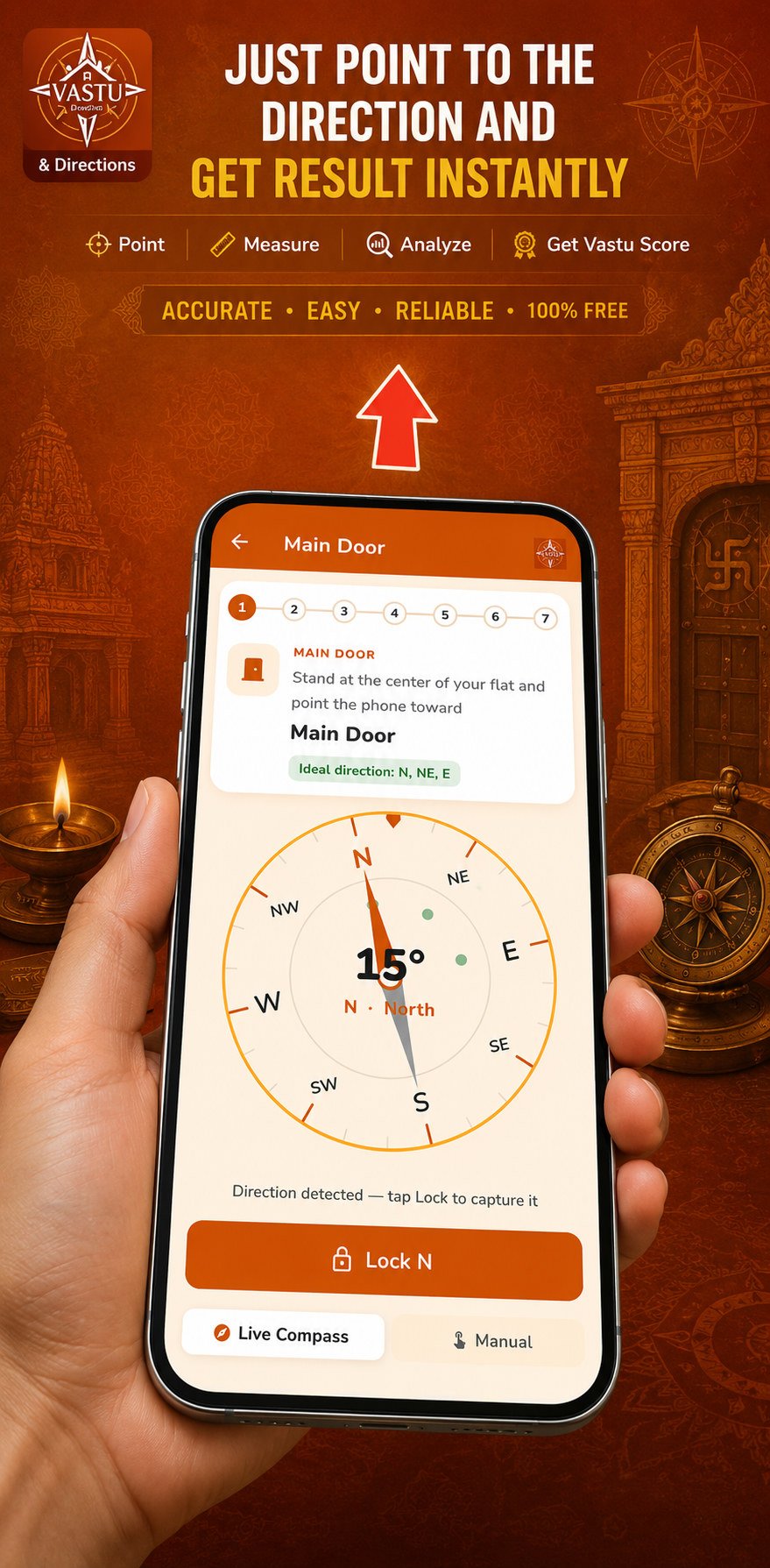
Check North, South, East, West and all diagonal directions with a clear live compass interface.
Android App · Team Moonfire
Know the energy of your space. Point your phone, measure directions, and get a free Vastu score for residential and commercial property — in about two minutes.

Product
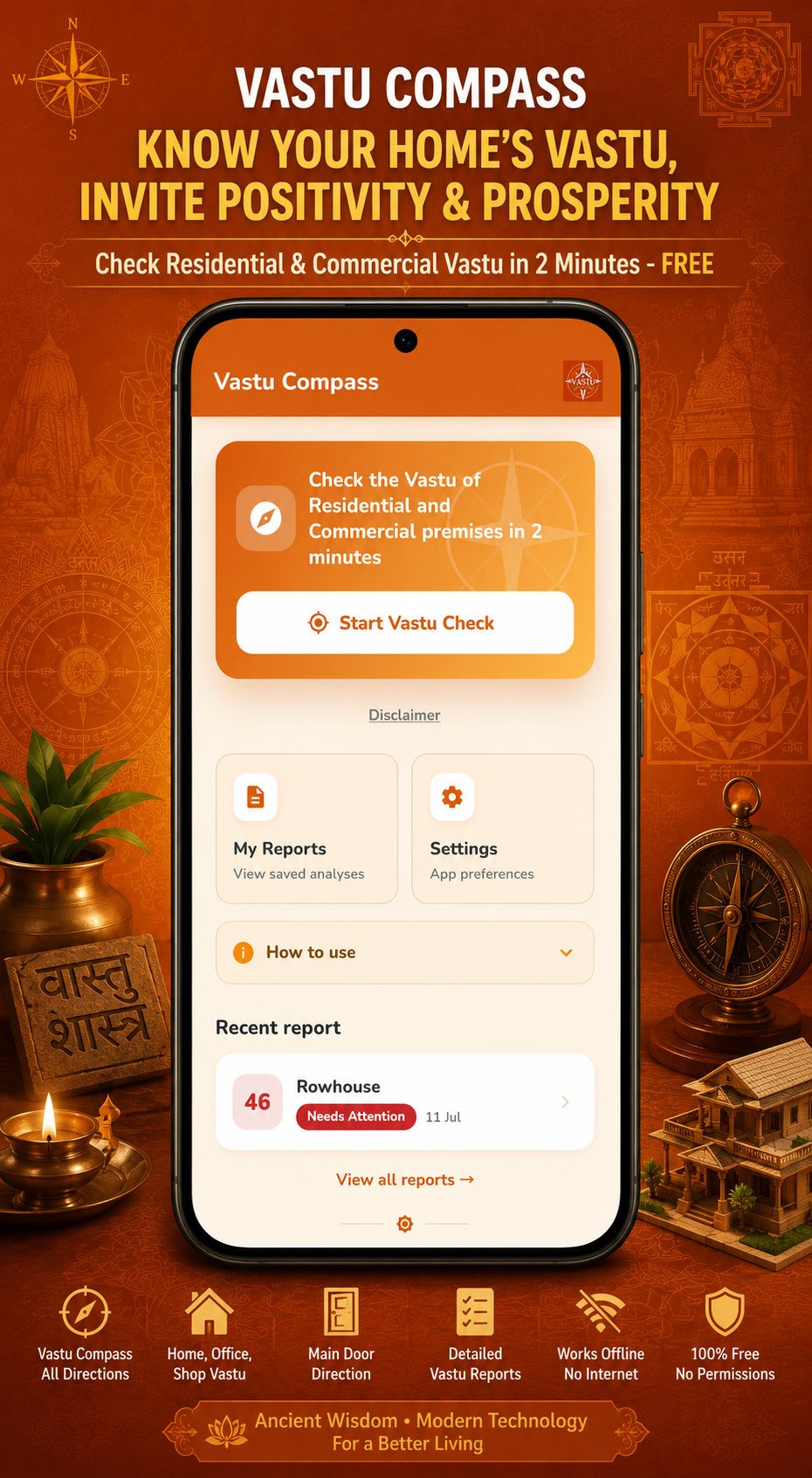
Vastu Compass is a free, easy-to-use Vastu Shastra app from Team Moonfire (Moonfire Private Limited). Use your phone’s compass to find accurate directions for your home, office, shop, apartment, flat, or workplace.
Whether you are buying a property, planning construction, renovating, or checking a main entrance, open the app, point, and verify Vastu directions anytime — with no account and no sign-up.

Key Features
Everything you need to check property Vastu without complexity.
Check North, South, East, West and all diagonal directions with a clear live compass interface.
Stand at the centre of your flat, point toward the entrance, and lock the direction in seconds.
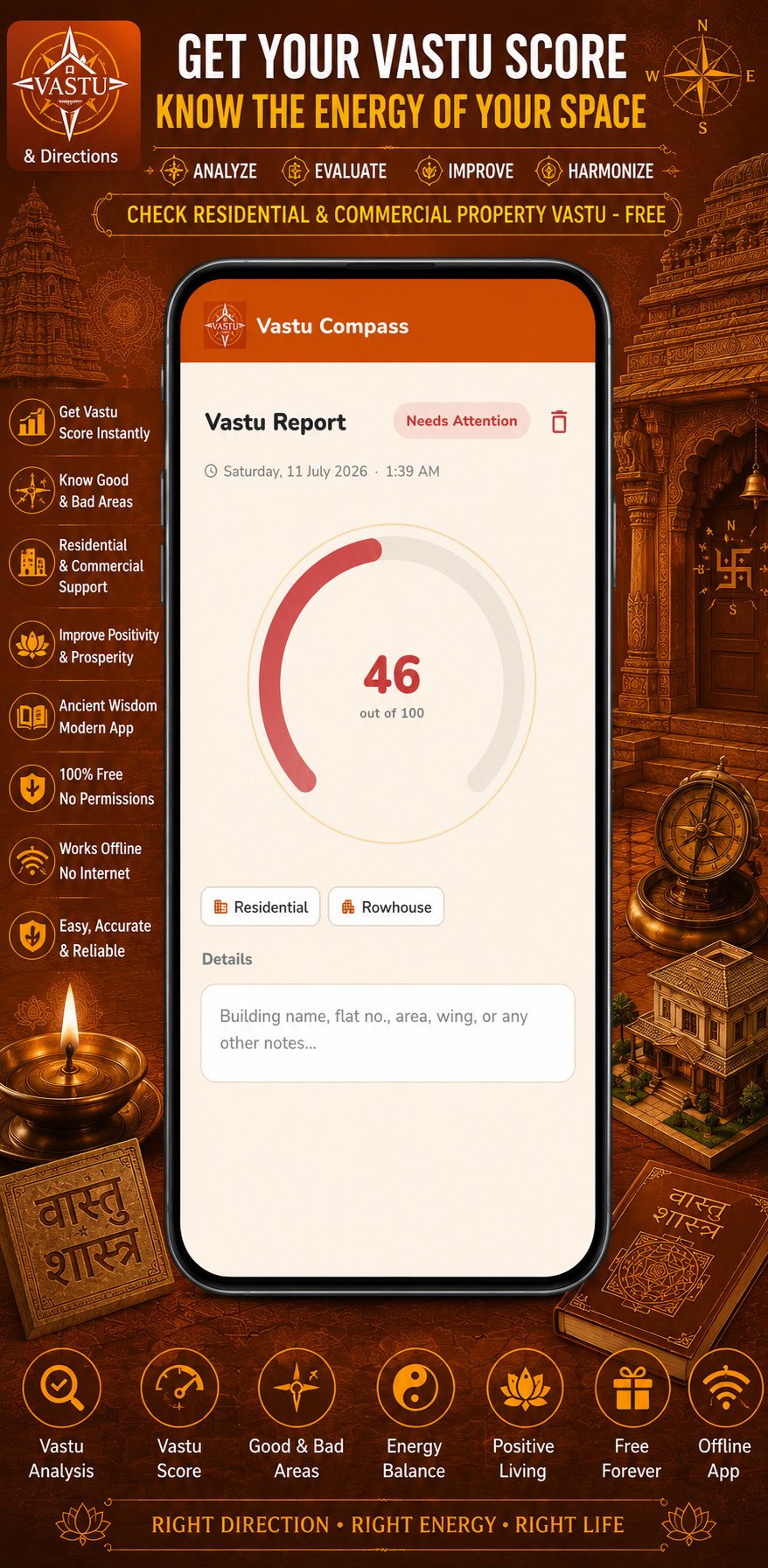
Get a room-by-room assessment and overall score out of 100 you can save or export as PDF.
Built for residential and commercial property — apartments, rowhouses, offices, and shops.
Compass checks, saved reports and PDF export need no internet connection, so they work anywhere. The internet is used only for Pro, ads, and optional daily tips.
No sign-up and no login. No name, email or phone number is ever collected, and your reports stay on your device. The free plan shows ads; Pro removes them.
How It Works
Stand in the centre of your property, point your phone toward each room, and get your Vastu score — accurate · easy · reliable · free to use.
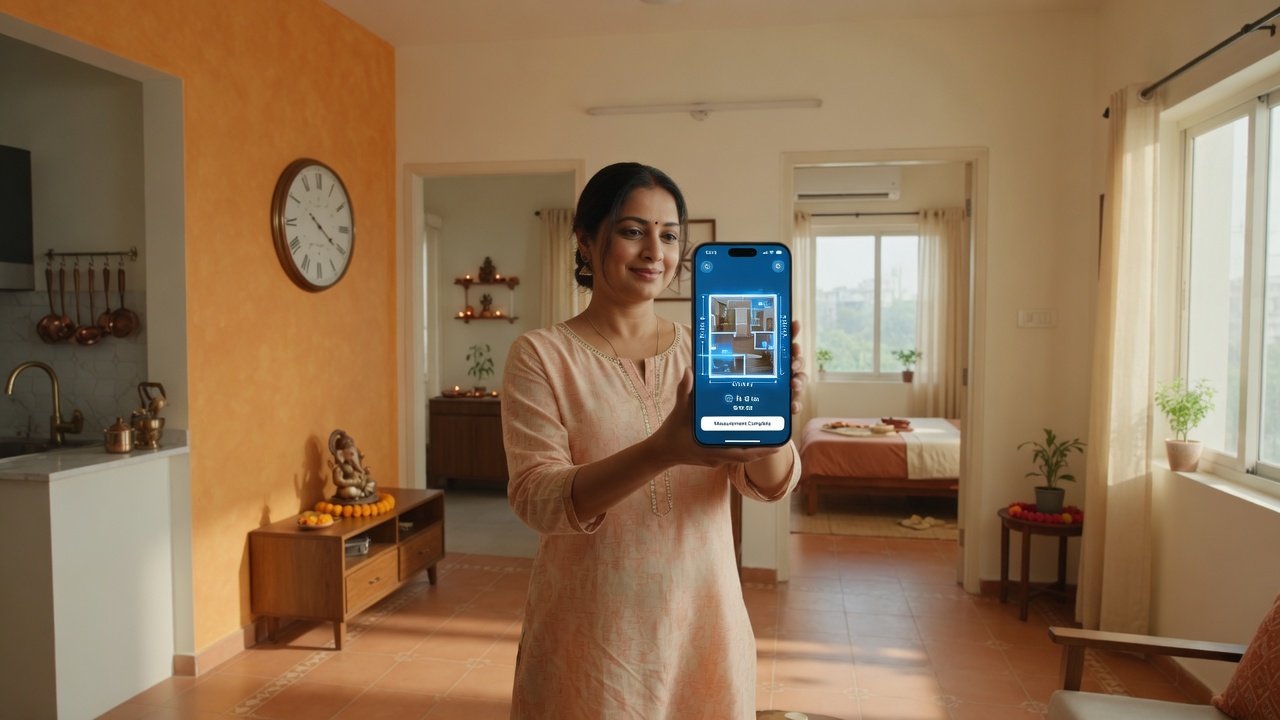
Demo: stand in the middle → point toward main door & rooms → capture directions on your phone
In your space
Open Vastu Compass, stand near the centre of your flat or premises, then turn and point the phone toward each room as prompted. Lock every direction to build your full report.



Inside the App
A clean workflow: measure directions, lock them in, and review your score with room-level detail.
Use Vastu Compass For
From main entrance and kitchen to office cabin and shop front — verify orientation before you build, buy, or rearrange.
Perfect For
Privacy First
Your Vastu reports stay on your device. Moonfire cannot see them.
No name, email or phone number is ever collected. The free plan shows Google AdMob ads, which use your device’s advertising ID — you can reset or opt out of it in your Android settings. Pro shows no ads.
Compass checks, saved reports and PDF export work with no connection. The internet is used only for Pro purchases, optional daily tips, and ads on the free plan.
Optional property notes and saved reports live in private app storage, and uninstalling removes them. Pro users can turn on an optional cloud backup.
For accurate readings
Move away from large metal objects, electrical appliances, and wiring, and calibrate your phone’s compass first. Compass readings are approximate.
Educational use only. Vastu Compass is provided for educational and informational purposes based on traditional Vastu Shastra beliefs. It is not professional, structural, financial, or legal advice. Consult a qualified Vastu consultant and a licensed structural engineer or architect before construction, demolition, renovation, or purchase decisions.
Vastu Compass & Directions — a free Android app by Team Moonfire. Know your home’s Vastu, invite positivity and prosperity.