
One-click export
Save a ChatGPT or Grok conversation as a file straight from the page you are reading. No copy and paste.
Chrome & Firefox Extension · Team Moonfire
Export & clean your AI chats in one click. Save ChatGPT and Grok conversations as PDF, Markdown or Word. No clutter, no hassle.
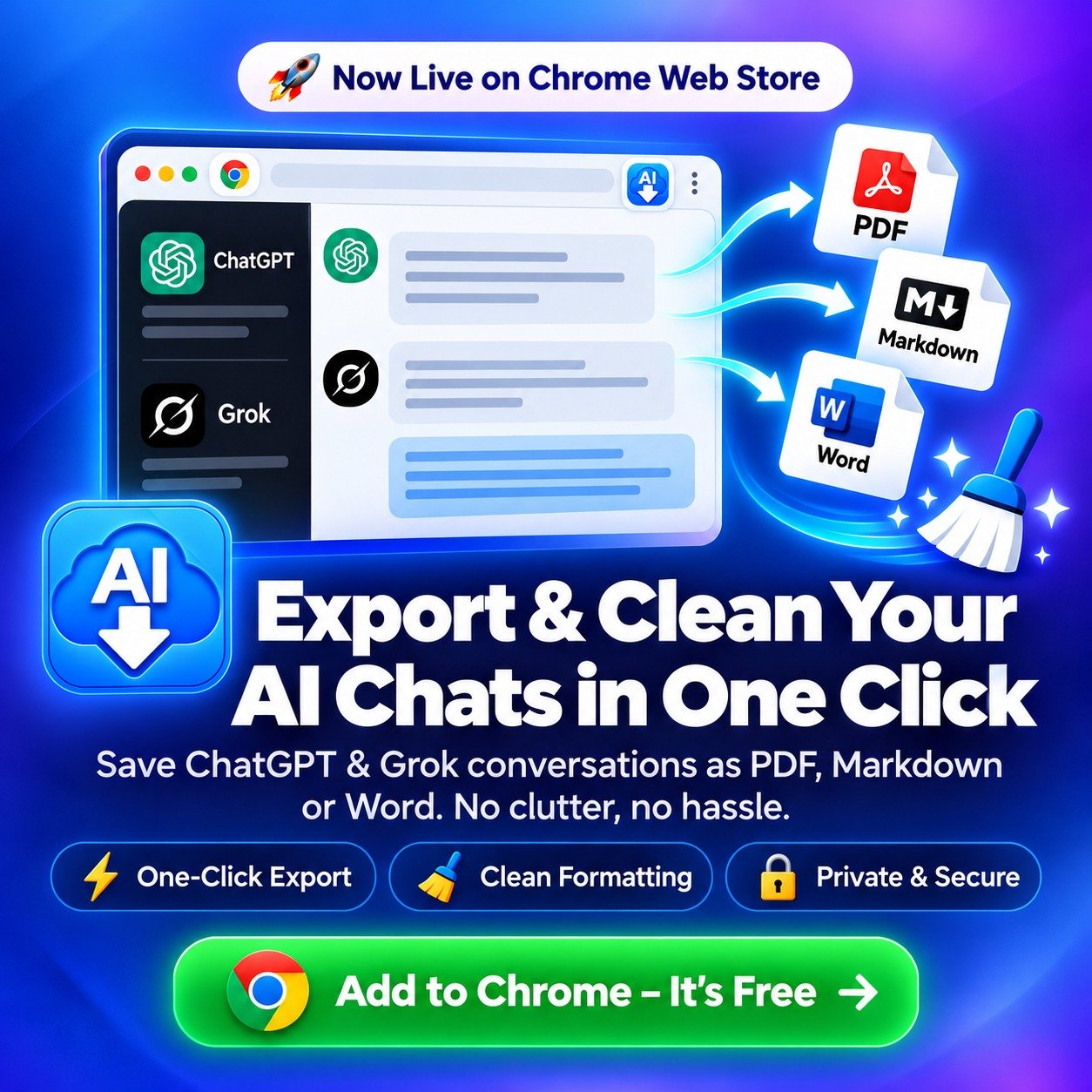

Save it. Clean it. Keep it.
Product
Moonfire AI Chat Exporter is a Chrome extension from Team Moonfire. Pick the messages you need from a ChatGPT or Grok chat, then save them in the format you want.
Key Features
Everything you need to keep a copy of your AI chats and tidy the originals.
Save a ChatGPT or Grok conversation as a file straight from the page you are reading. No copy and paste.
Choose individual messages instead of exporting the whole chat, then save them as files.
Exports come out tidy and readable, without the clutter of the chat interface.
Save your ChatGPT images by date range, only the new ones, with optional metadata in JSON and CSV.
With Pro, every export, image and video goes directly to your own Drive, straight from your browser and never through our servers.
Scan your library, check each image against your local downloads, and archive or delete chats only once everything in them is safely saved.
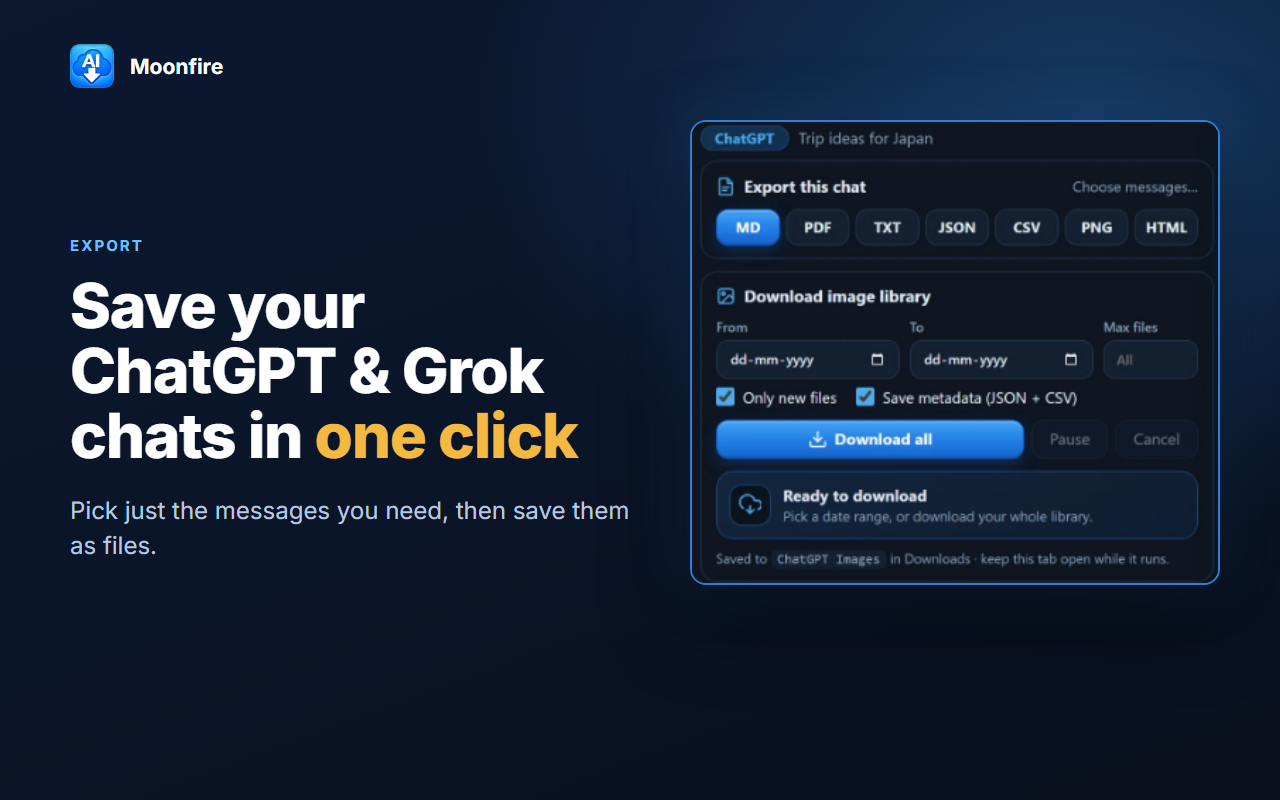
Export
Pick just the messages you need, then save them as files.
Download your image library too. Set a date range, cap the number of files, skip anything you already have, and save metadata alongside as JSON and CSV.
Google Drive Backup
Pro feature
Straight from your browser to your Drive. Never through our servers.
Every export, image and video goes directly to your own Google Drive the moment it is saved, into a folder named Moonfire AI Chat Exporter. The folders match the ones on your computer, so you can open them anywhere.
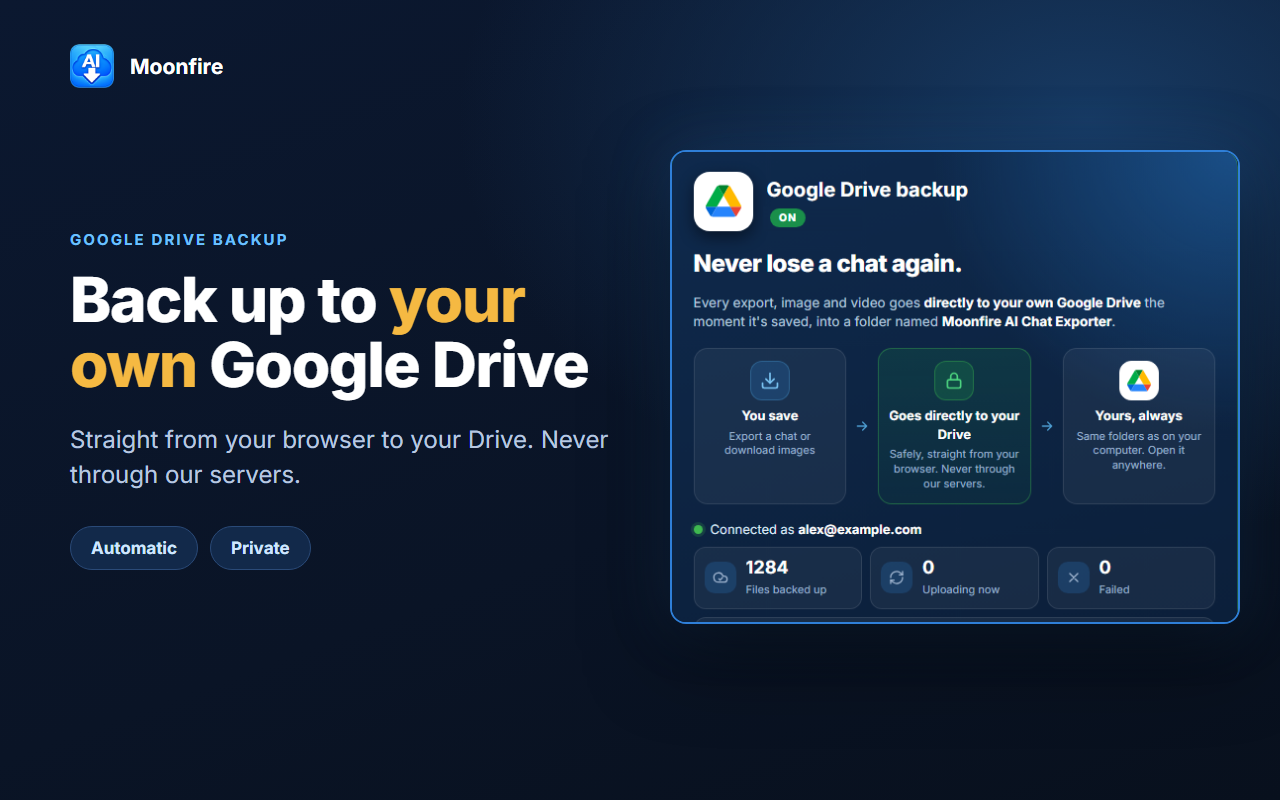
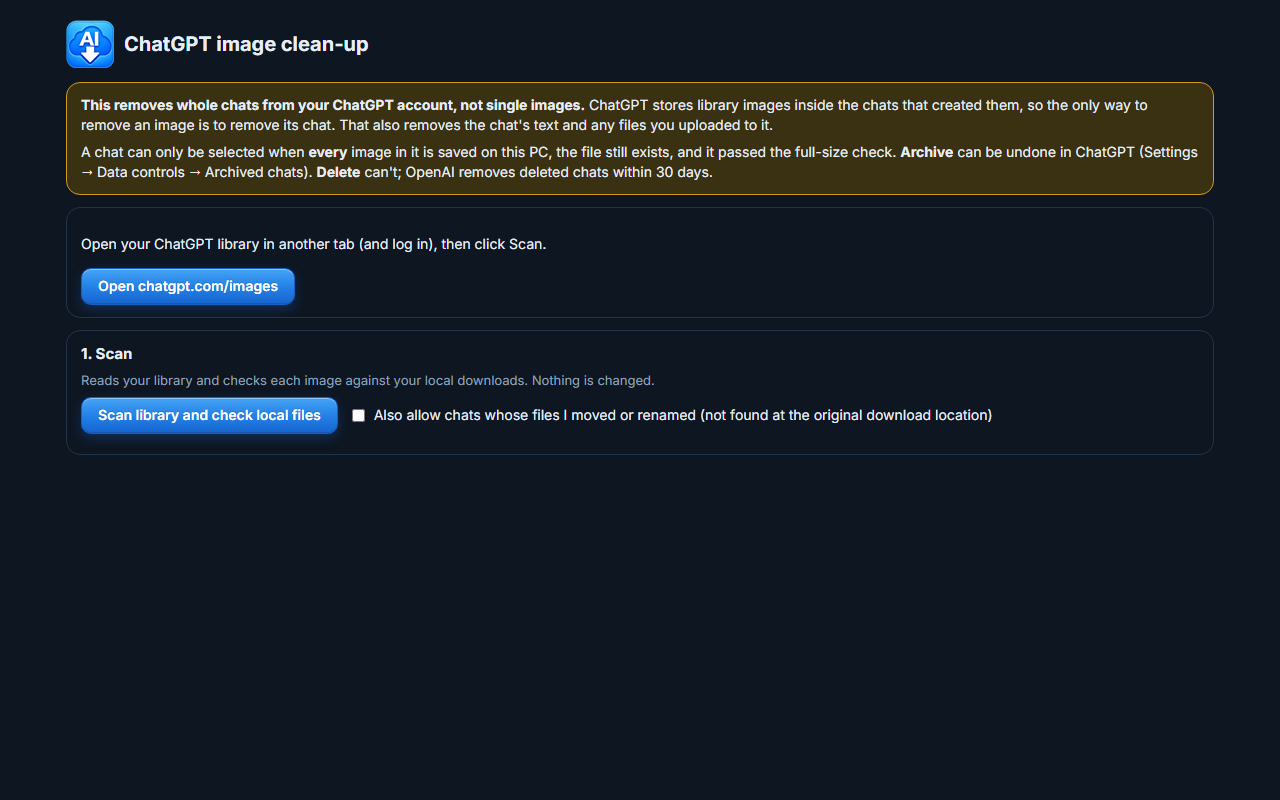
Image Clean-up
Scan your library and check each image against your local downloads. Nothing is changed during the scan.
ChatGPT stores library images inside the chats that created them, so removing an image means removing its chat. A chat can only be selected when every image in it is saved on your PC and passed the full-size check. Archive can be undone in ChatGPT; Delete cannot.
Get It Now
Start free from the Chrome Web Store or Firefox Add-ons. The Free plan includes every feature with a daily allowance, no account needed; Pro removes the limits and adds Google Drive backup. See plans and FAQs on the product site. For help, email support@moonfiregroup.com.